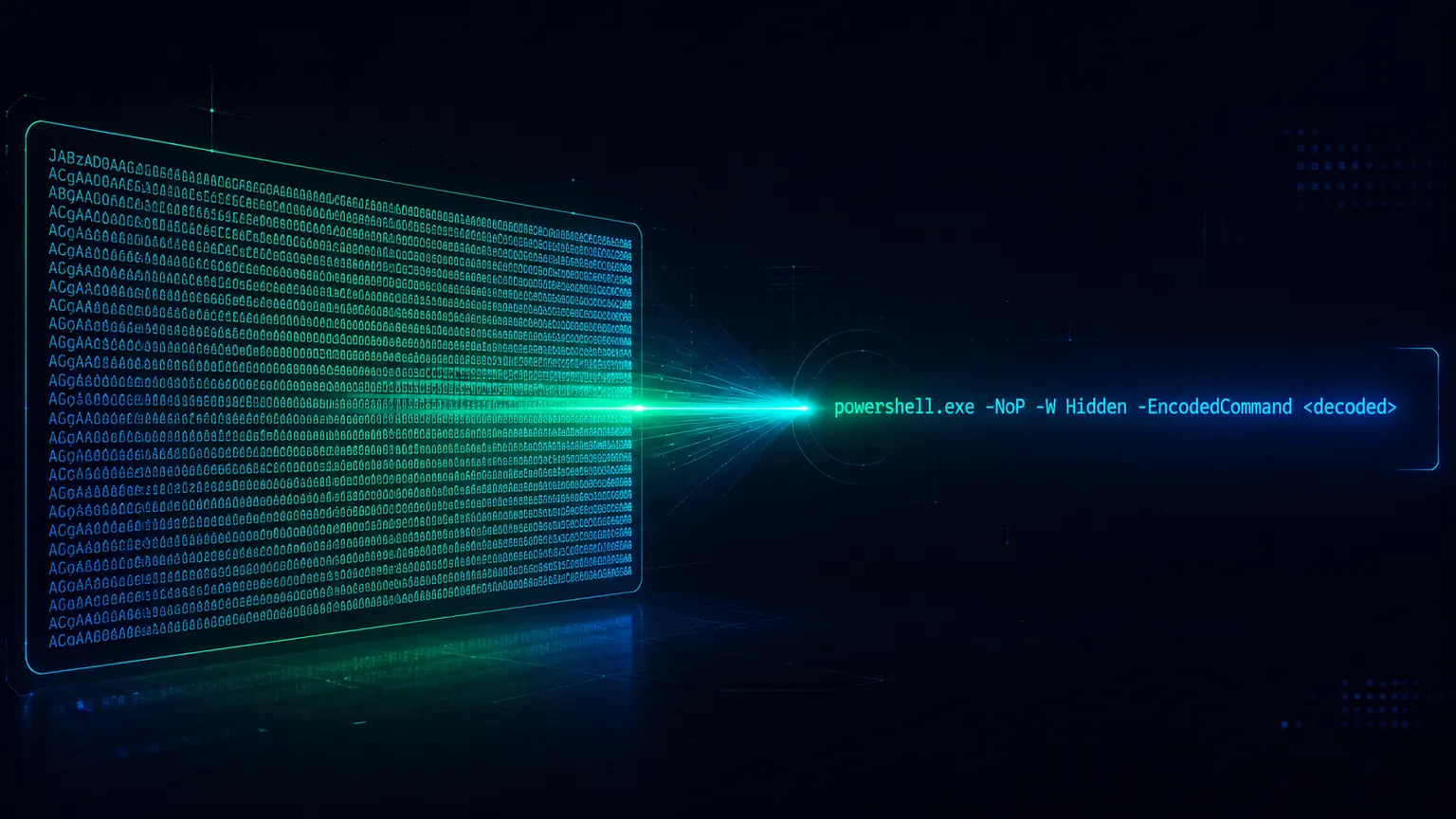
A process-creation alert fires. The command line is powershell.exe with a -enc flag and a long run of base-64. Somewhere in that base-64 is the actual command, and until you decode it you cannot tell whether this is a patch-management job or the first stage of an intrusion. -EncodedCommand is one of the most common wrappers on initial-access PowerShell, for a simple reason: it is a documented, supported feature that lets an attacker pass a whole script as a single base-64 token, sidestepping quoting problems and keeping suspicious keywords out of the plain command line. It is a transport wrapper, not encryption, so the command is fully recoverable from the base-64 without running anything.
Need the script behind an encoded argument rather than a detection rule? Use the PowerShell -EncodedCommand decoder.
Decode encoded PowerShell safely. Paste the command or the full script at klaroskope.com/submit - KlaroSkope decodes the base-64 and UTF-16LE, unwraps nested layers, and surfaces the commands and IOCs without executing anything.
- What -EncodedCommand Is - the documented behaviour
- Decoding It by Hand - base-64 then UTF-16LE, without executing
- The Abbreviated Forms You See in Logs - -enc, -ec, and case-insensitivity
- When the Decoded Command Is Itself Obfuscated - nested layers
- The Logging Surface - where the artifact is captured
- Legitimate Use - why context matters before alerting
- MITRE ATT&CK Mapping - the techniques it maps to
What -EncodedCommand Is
The Microsoft documentation for powershell.exe describes -EncodedCommand as accepting a base-64-encoded string version of a command, used to submit commands that require complex quotation marks or curly braces, and states that the string must be formatted using UTF-16LE character encoding. Two facts from that definition drive everything an analyst does with it: the outer layer is base-64, and the bytes inside are a UTF-16LE (little-endian Unicode) string, not UTF-8. Decoding in the wrong text encoding is the single most common mistake, and it produces text with a null byte between every character.
The way the token is produced is the mirror image of how you decode it. The documented example encodes a command like this:
# How the encoded token is produced (Microsoft's documented example)
$command = "dir 'C:\Program Files' "
$bytes = [System.Text.Encoding]::Unicode.GetBytes($command)
$encodedCommand = [Convert]::ToBase64String($bytes)
powershell.exe -EncodedCommand $encodedCommand
The bytes inside the base-64 are UTF-16LE, not UTF-8. If you base-64-decode and then read the result as UTF-8 or ASCII, you get the right characters interleaved with null bytes (for example d\x00i\x00r\x00). That is not corruption; it is the little-endian Unicode encoding. Decode the bytes as UTF-16LE to get clean text.
Decoding It by Hand

Decoding never requires running the sample. It is two reversible steps: base-64 decode to bytes, then interpret those bytes as UTF-16LE. Any language with a base-64 library does it. The safe approach, off the target host, is a scripting language that does not execute the content:
# Python: decode without executing anything
import base64
encoded = "ZABpAHIAIAAnAEMAOgBcAFAAcgBvAGcAcgBhAG0AIABGAGkAbABlAHMAJwAgAA=="
command = base64.b64decode(encoded).decode("utf-16-le")
print(command)
# -> dir 'C:\Program Files'
The same two steps apply no matter how long the token is. A multi-kilobyte base-64 blob decodes to a full script the same way a short one decodes to a single command. What comes out may be plain and readable, or it may be a further layer of obfuscation, which is the next section.
The Abbreviated Forms You See in Logs
The Microsoft documentation notes that powershell.exe parameters are case-insensitive, and powershell.exe resolves abbreviated parameter names. In practice this means the encoded-command flag appears in many surface forms across real command lines: -EncodedCommand in full, and shortened variants such as -enc, -ec, and -e, in any mix of upper and lower case. Detection logic that keys only on the exact string -EncodedCommand will miss the shortened forms that are common in the wild, so match on the family of abbreviations rather than the full spelling alone. Which of the shortest abbreviations resolve unambiguously depends on the other parameters present in that PowerShell version, so treat the abbreviation as a signal to decode rather than as a precise version fingerprint.
When the Decoded Command Is Itself Obfuscated
Decoding the base-64 is often the first layer, not the last. Common patterns after the first decode include a second -EncodedCommand or a call to FromBase64String feeding IEX, a compressed stream (Gzip or Deflate) that is decompressed and then executed, and string-level obfuscation such as format operators, backtick insertion, and character-code arithmetic applied to the recovered command. Each of these is a separate technique with its own reversal, and they stack.
# After the first base-64 + UTF-16LE decode, a common second layer:
IEX (New-Object IO.StreamReader(New-Object IO.Compression.GzipStream(
  [IO.MemoryStream][Convert]::FromBase64String('H4sIAAAA...'),
  [IO.Compression.CompressionMode]::Decompress))).ReadToEnd()
# The inner base-64 decodes to Gzip bytes (H4sI prefix), which decompress to the real script.
For the step-by-step method of unwinding these stacked PowerShell layers, see the companion article on PowerShell deobfuscation. The key point for triage is that reaching readable text after the first decode does not always mean you are done. If the first decode yields more base-64, more FromBase64String, or a decompression call, there is another layer.
The Logging Surface
The same command can be captured at several points, and the later capture points are more useful because they can show the command after decoding. Knowing which log holds the decoded form saves a manual decode.
| Source | What it captures | Decoded? |
|---|---|---|
| Security 4688 (process creation) | The powershell.exe command line, including -enc and the base-64 | No, raw base-64 |
| Sysmon Event ID 1 | Process creation with full command line | No, raw base-64 |
| PowerShell 4104 (script block logging) | The script block content as executed | Often yes, decoded |
| PowerShell 4103 (module logging) | Pipeline execution details | Partial |
| AMSI | Script content submitted for scanning at runtime | Yes, post-decode |
Process-creation logs (Security 4688, Sysmon 1) capture the raw command line, so they show the base-64 but not its contents. Script Block Logging (event 4104) records the script block as PowerShell prepares to execute it, which frequently means the decoded form is already in the log. AMSI sees content at scan time, after decoding. Command-line process auditing must be enabled for 4688 to include the command line, and Script Block Logging must be enabled by policy; where they are on, they shorten the analyst's job considerably.
Legitimate Use
-EncodedCommand is a supported feature with routine legitimate uses. Management tooling, remoting, scheduled tasks, and vendor agents use it to pass scripts that would otherwise need awkward quoting. An encoded command is therefore not malicious on its face. The signal is the combination: an encoded command whose decoded content downloads and runs a remote payload, disables protections, or reaches out to an unfamiliar host is what warrants response. Alerting on the mere presence of -enc produces noise; decoding it and judging the content is what produces a verdict.
MITRE ATT&CK Mapping
The execution maps to T1059.001 (Command and Scripting Interpreter: PowerShell). The obfuscation maps to T1027 (Obfuscated Files or Information), and the base-64 command wrapper specifically to its sub-technique T1027.010 (Command Obfuscation). The analyst's reversal maps to T1140 (Deobfuscate/Decode Files or Information). Assign any further techniques from the decoded behaviour, such as ingress tool transfer or defence evasion, rather than from the encoding itself.
Decode It Automatically
KlaroSkope decodes encoded PowerShell as a static analysis. It handles the base-64 and UTF-16LE, follows nested layers such as a second encoded command or a Gzip or Deflate stream feeding IEX, resolves common string-level obfuscation on the recovered command, and surfaces the final commands along with any URLs, hosts, and other indicators. Nothing is executed, so an encoded command lifted straight from an alert can be pasted in and read.
Try it now -> klaroskope.com/submit - paste an encoded PowerShell command and see the decoded command and IOCs in seconds.
Frequently Asked Questions
What is PowerShell -EncodedCommand?
How do I decode a PowerShell EncodedCommand?
Why does my decoded EncodedCommand have null bytes between every character?
What do -enc and -ec mean in a PowerShell command line?
Is a PowerShell EncodedCommand always malicious?
Which Windows logs show a decoded PowerShell command?
What MITRE ATT&CK techniques cover encoded PowerShell?
Continue Learning
Ready to decode?
See KlaroSkope transform obfuscated scripts into actionable intelligence.
Try It Free